Spodi iOS 3.1: set rating, story stickers and Apple Health
Versions 3.0.1 to 3.1.3 have shipped since our last recap. The highlights: RPE and RIR set ratings, set types, story stickers, workout highlights, your own exercise names and Apple Health.
Last time we covered the AI coach chat. Since then, we have released versions 3.0.1 to 3.1.3. Here is what's new and why it helps.
Set rating: RPE and RIR (3.1.3)
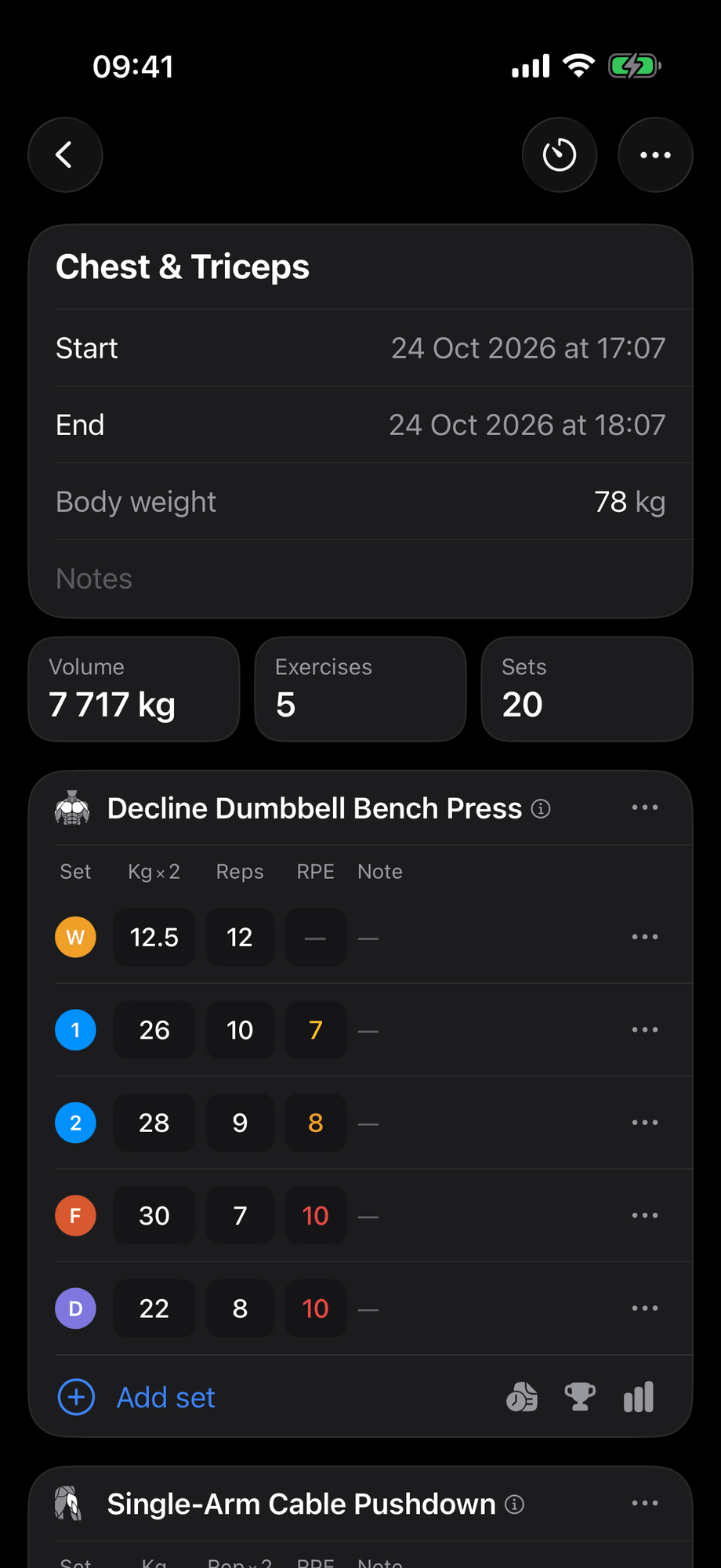
Weight and reps don't tell you how hard a set felt. Now you can log it. RPE, rating of perceived exertion, scores a set from 1 to 10, where 10 is your limit. RIR, reps in reserve, is how many more reps you could have done before failure.
The rating shows when it's time to add weight and when to hold back. We explain both scales in our gym glossary.
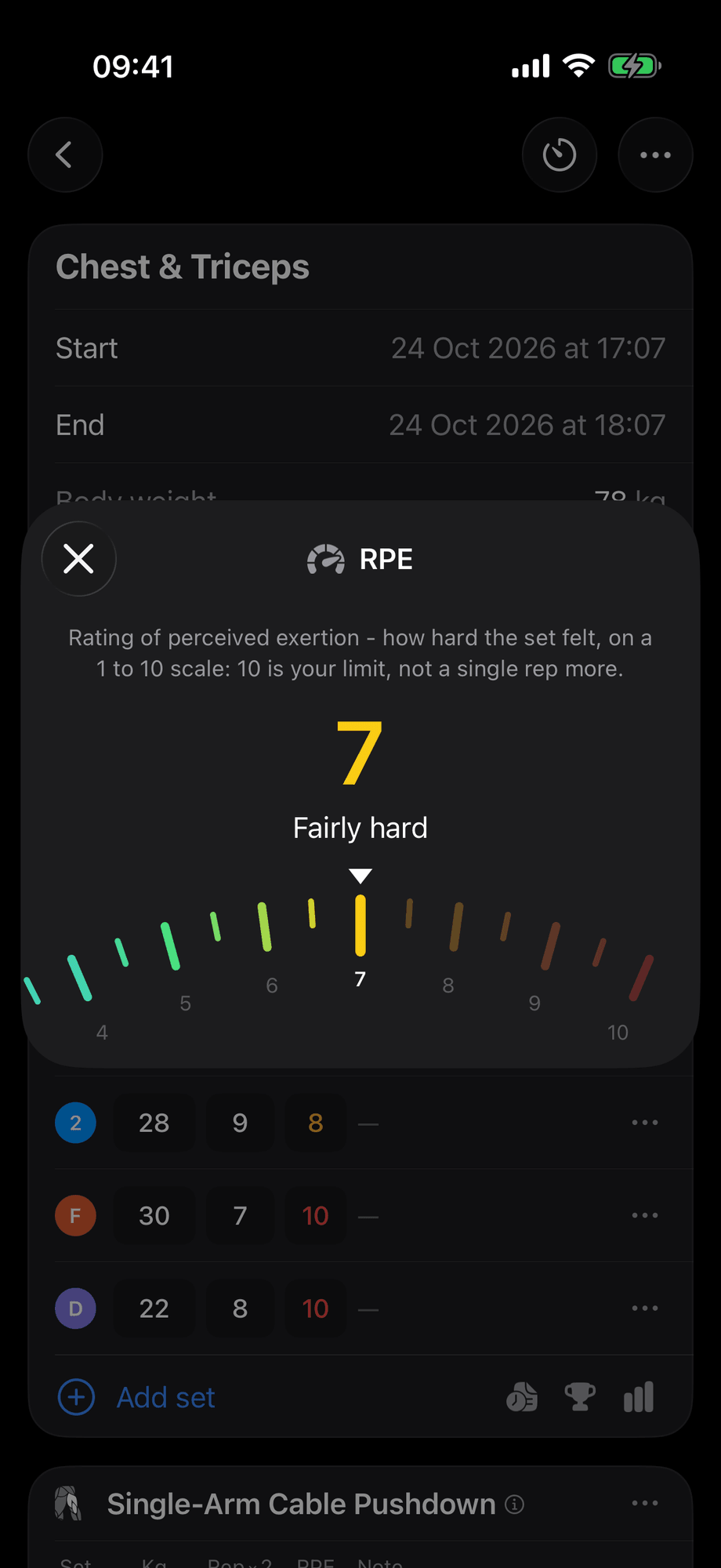
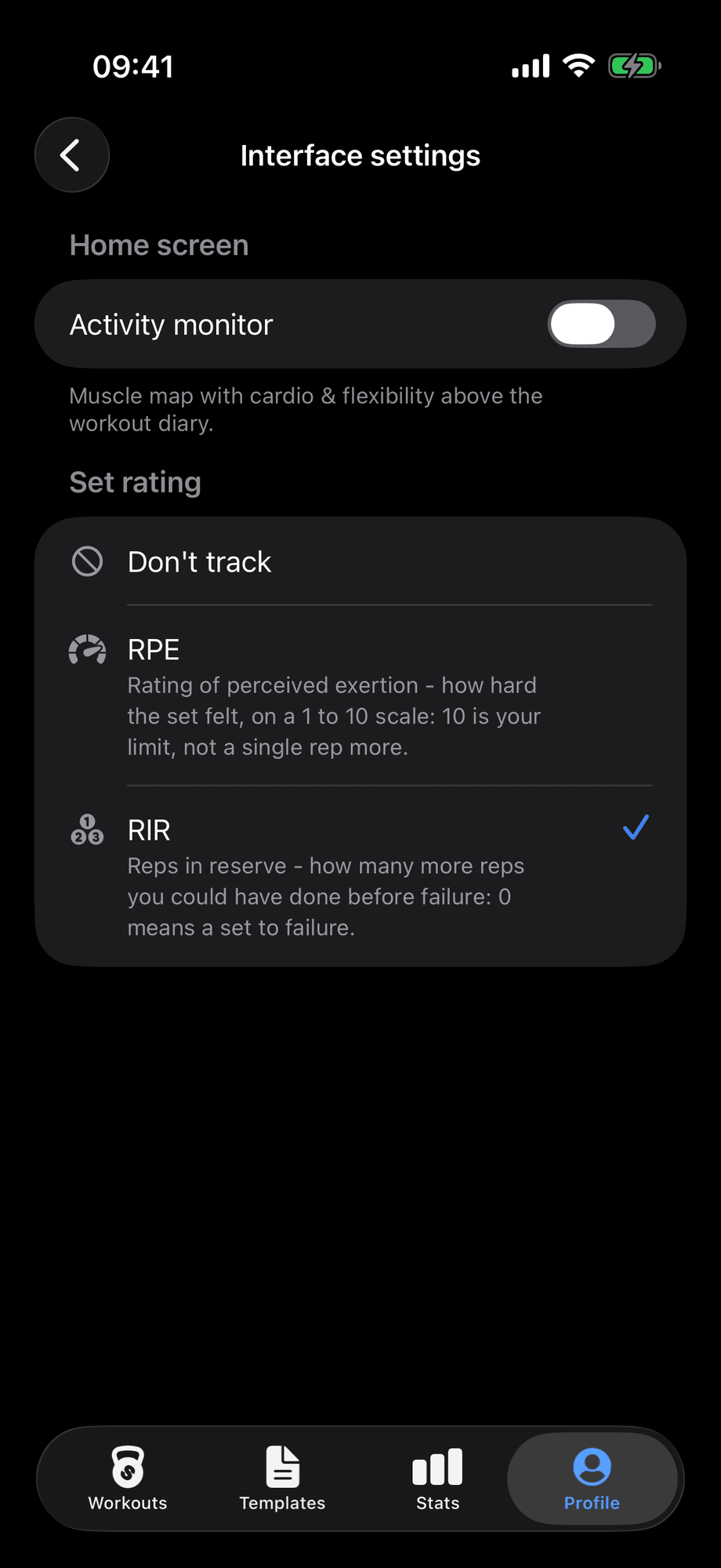
In Profile → Interface settings you can pick RPE or RIR, or turn rating off. It is off by default.
Set types (3.0.1)
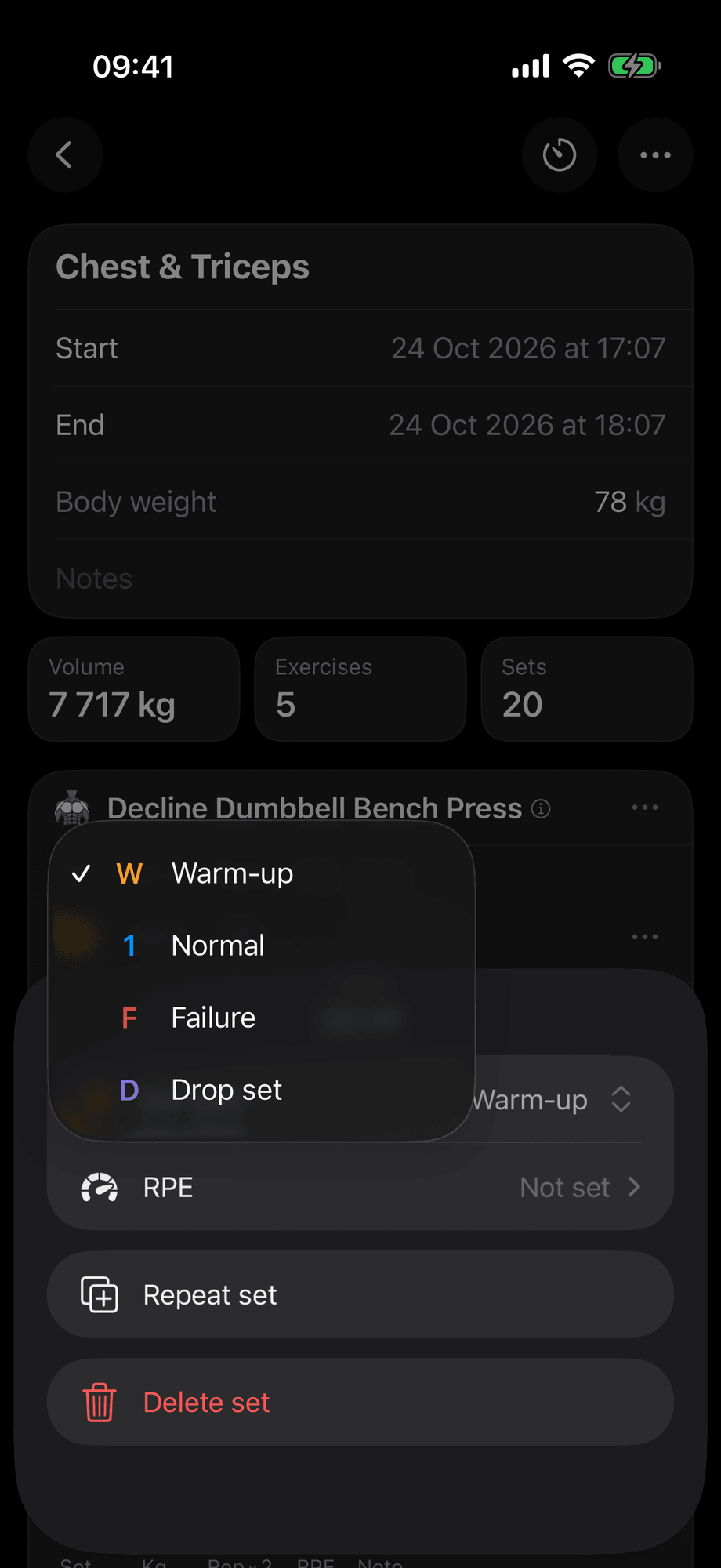
You can now choose a set type. There are four types:
- Warm-up: a light, non-fatiguing set to warm up your joints and prime your nervous system for heavy weight.
- Normal: a working set for muscle growth or strength.
- Failure: a working set taken to muscular failure, the point where fatigue keeps you from completing another rep with good form.
- Drop set: you take a set to failure, then immediately, with no rest, reduce the weight by 20–30% and keep going until you reach failure again.
Warm-up sets don't count toward volume or records. Only normal and failure sets count toward records.
New story stickers (3.1.3)
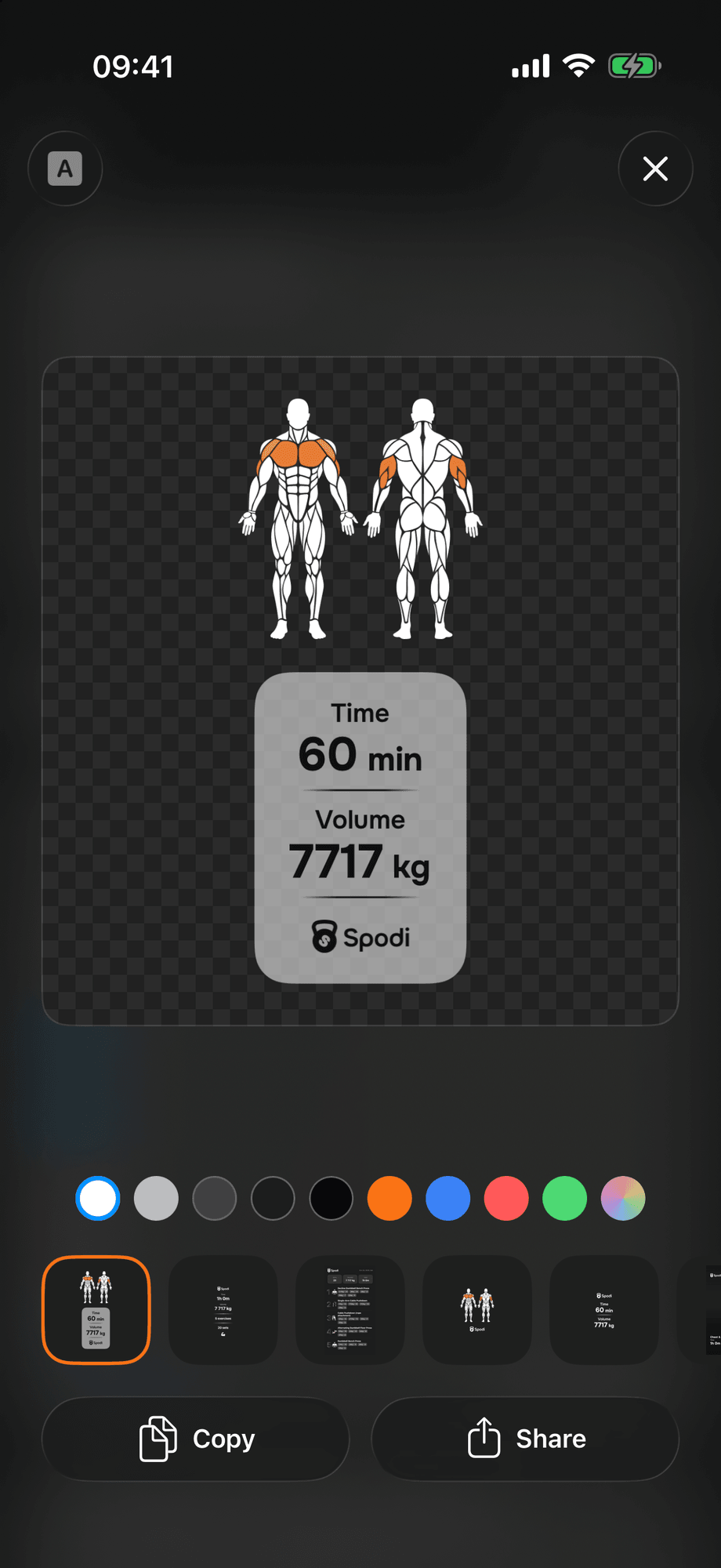
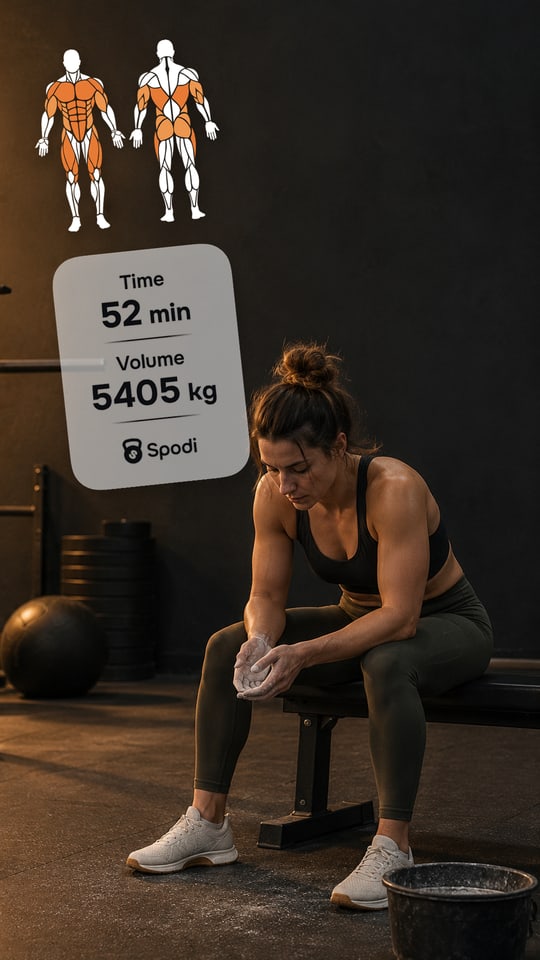
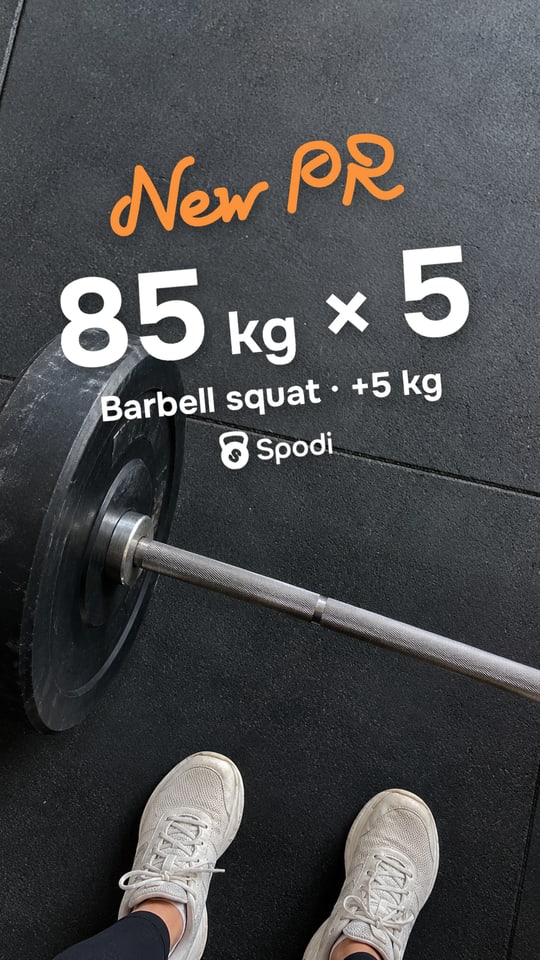
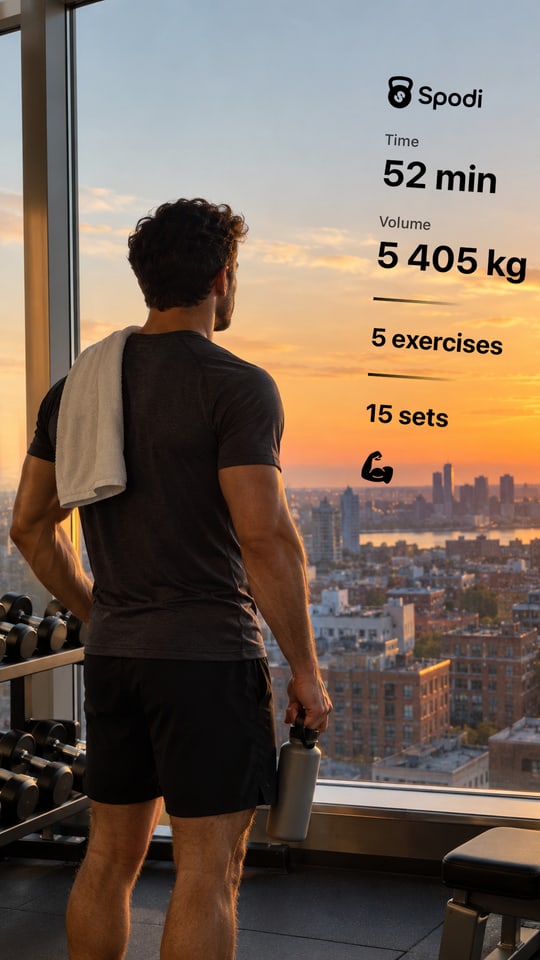
Share has new stickers: muscles, numbers, muscles with numbers, new PR, photo with numbers and photo in a frame. You can also pick the sticker color and a text background: solid, translucent or none.
You can copy the sticker with a transparent background and place it anywhere on your own photo in an Instagram or Telegram story.
Workout highlights (3.1.2)
Completed workouts now show total volume and the number of exercises and sets below the title. Cardio workouts show distance, time and pace.
You see the totals at a glance without scrolling through the sets. Warm-up sets aren't included.
Editing library exercises (3.1.2)
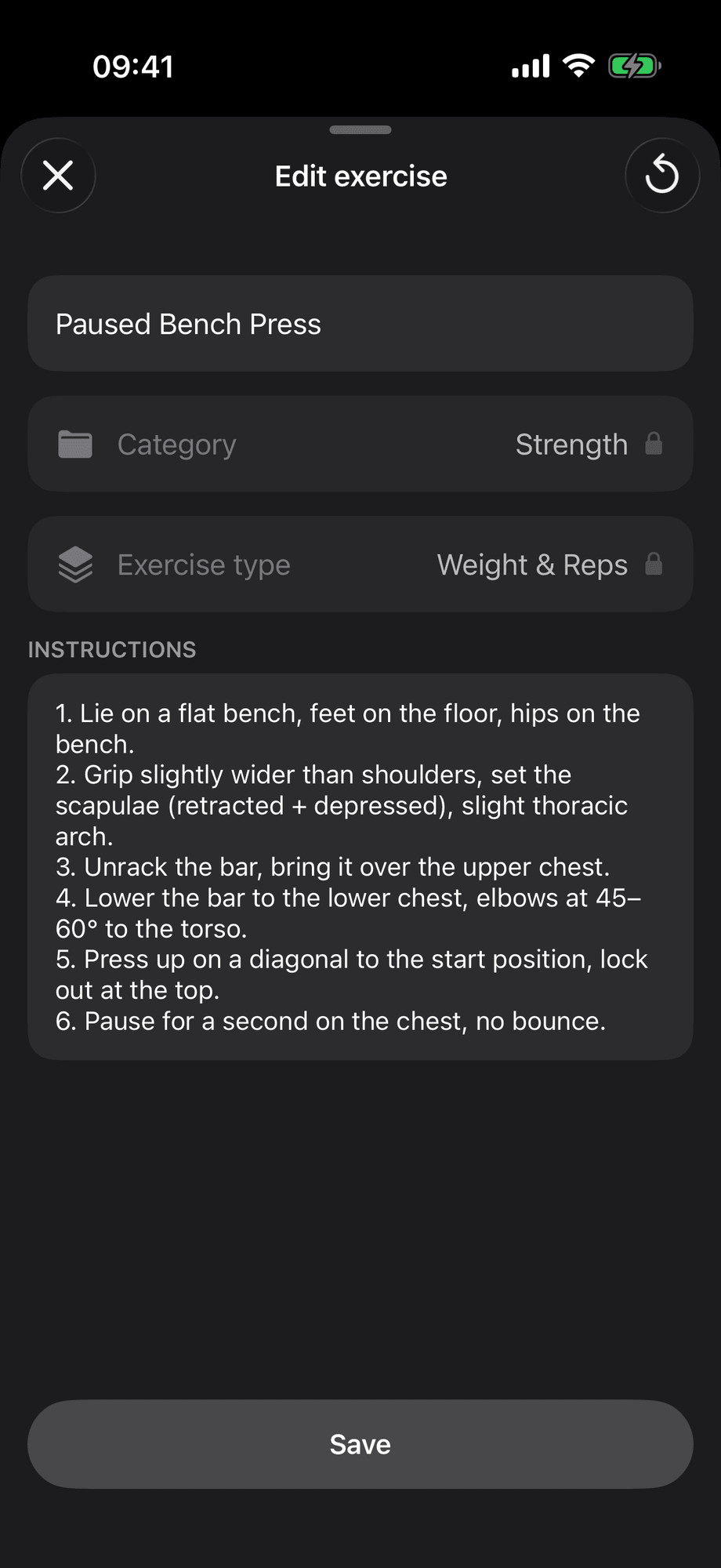
Customize the name and technique notes of library exercises. Call a lift what your coach calls it, and add your own cues.
Your name appears in lists, workouts, templates and stickers. Only you see your changes. Your coach and everyone else see the standard name. You can restore the defaults anytime.
Apple Health (3.1.0–3.1.2)
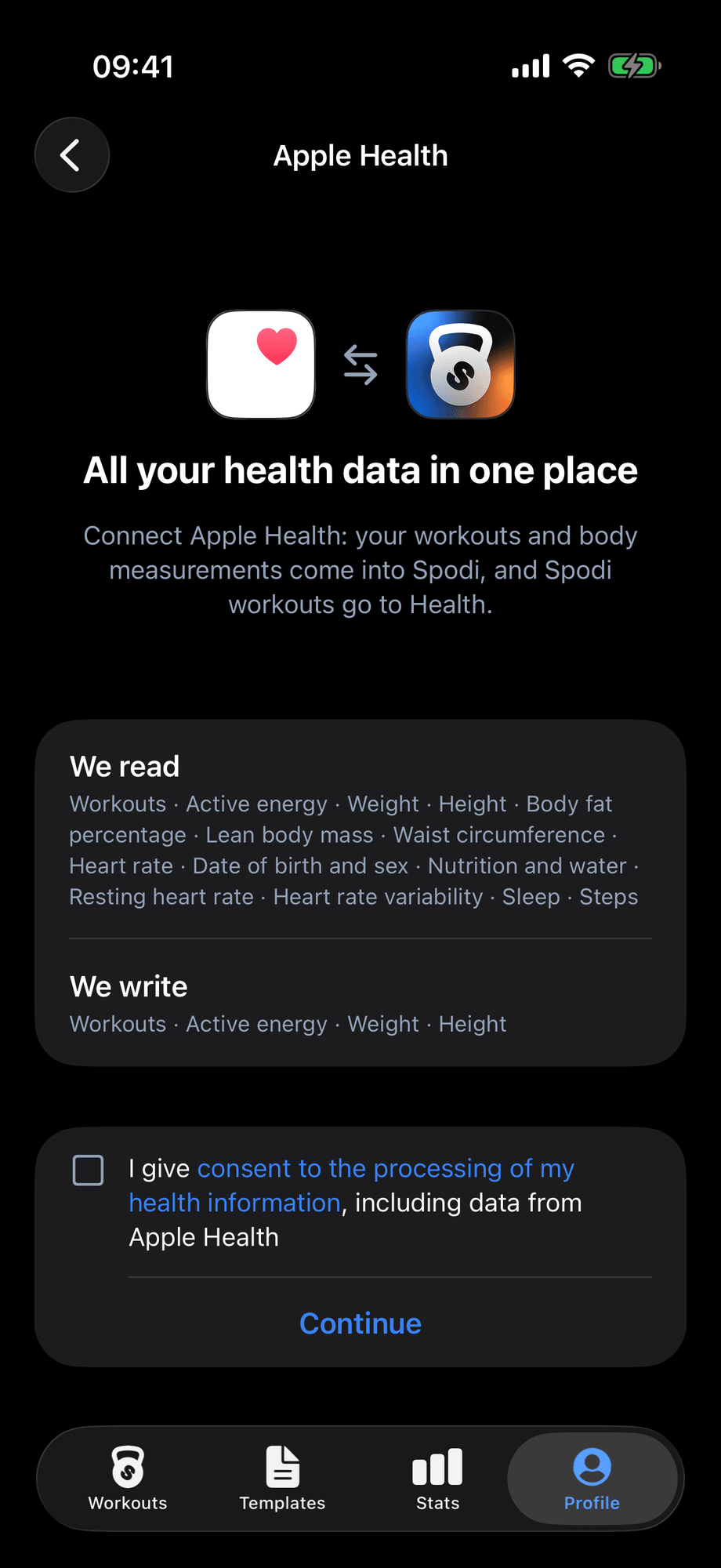
Connect Spodi to Health in Profile → Apple Health. Completed workouts sync to Health with a workout type based on their content, active energy and cardio distance. Workouts and body measurements from Health sync to Spodi.
All your activity ends up in one place. Workouts are never duplicated, a workout you delete in Spodi disappears from Health too, and workouts from the past week that failed to sync are sent again. With separate consent, Spodi also takes sleep, resting heart rate, steps and nutrition into account.
Update on the App Store.